

AI analytics tools are no longer just for data scientists and large enterprises.
Today, they’re being used in everything from education to product development — even by indie developers like me building AI math helpers.
After testing a wide range of platforms, I’ve narrowed down the five best AI analytics tools in 2025 based on ease of use, performance, math-specific features, and value for money.
My Top 5 AI Analytics Tools
- Power BI Copilot – Best for education and reporting
- Tableau GPT – Best for visualizing student data
- Wolfram Alpha Pro – Best for solving and explaining math
- Obviously AI – Best no-code tool for predictive analytics
- ChatGPT with Advanced Data Analysis – Best for flexible number crunching
Quick Comparison Table
| Tool | Best For | Starting Price (USD) | Free Plan | AI Features | Education-Friendly |
|---|---|---|---|---|---|
| Power BI Copilot | Dashboards & insights | Free (Pro: $10/user/month) | Yes | Copilot AI assistant | Yes |
| Tableau GPT | Visual reports | $70/month | No | AI-generated visuals | Yes |
| Wolfram Alpha Pro | Math solutions & explanations | $5/month | No | Step-by-step reasoning | Yes |
| Obviously AI | Predictive modeling | $75/month | 14-day trial | Natural language queries | Yes |
| ChatGPT + ADA | Exploratory data analysis | $20/month (Plus plan) | No | Python-based analysis | Yes |
1. Power BI Copilot: Best for Education and Reporting
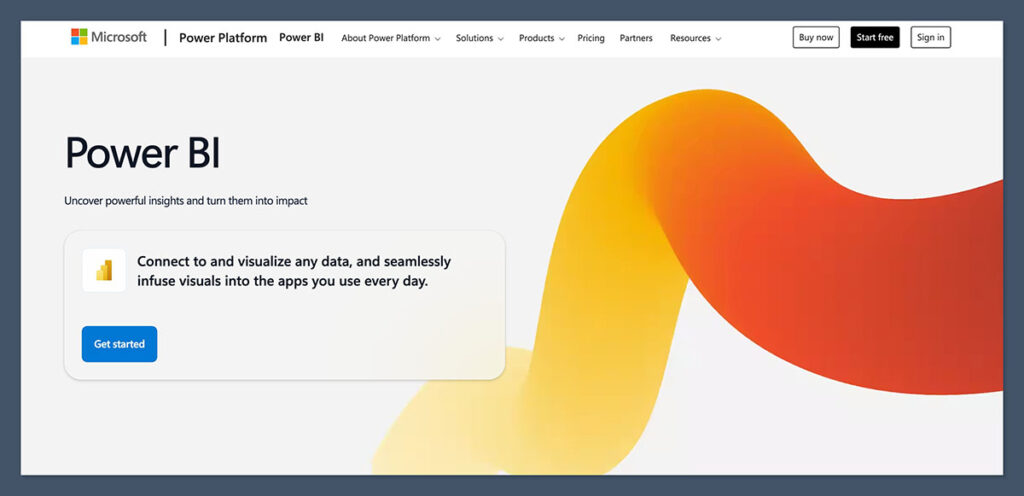
Power BI Copilot is my go-to tool for building dashboards that track learning data.
Whether I’m working with student scores, math problem accuracy, or engagement metrics, Power BI’s Copilot makes it easy to generate visual summaries using plain English.
Pros
- Affordable for individuals and teams
- AI assistant writes queries and summaries for you
- Connects to Excel, SQL, Google Sheets, and APIs
- Supports real-time dashboards
Cons
- Some learning curve for beginners
- Limited customization without coding
- Mobile app can feel clunky
Power BI Copilot is especially helpful for educators who want quick insights into student progress.
You can literally type “Show me the average algebra scores by grade level last semester” and Copilot builds the visual.
Pricing
- Free plan available
- Pro version: $10 per user per month
Power BI Copilot is best for educators, program managers, or tutors who need to track performance and generate clear reports fast.
It’s especially useful if you’re already working with Excel or Microsoft ecosystems and want a more powerful way to turn raw data into something useful — without needing to be a data expert.
2. Tableau GPT: Best for Visualizing Student Data
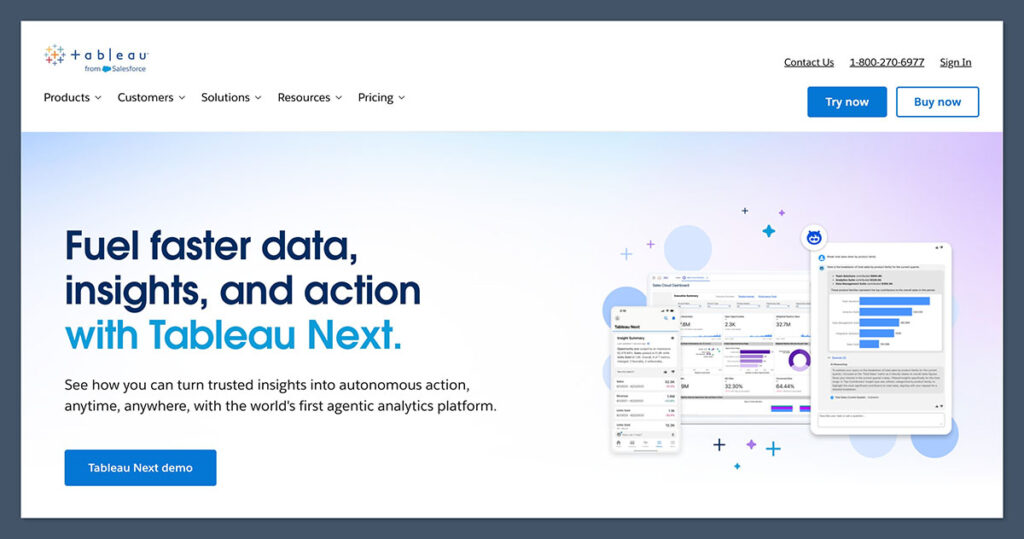
Tableau GPT takes everything great about Tableau and adds a powerful natural language interface.
I use it to break down complex student datasets — like comparing performance by topic or visualizing trends over time.
Pros
- Stunning data visuals
- GPT integration for generating graphs
- Trusted by institutions and edtech companies
- Works with Google Sheets, SQL, Excel, Salesforce
Cons
- High starting cost
- Overwhelming for beginners
- No free plan
It really shines when you’re presenting math-related insights to stakeholders or trying to find patterns in problem-solving behavior.
Pricing
- Starts at $70/month
- Enterprise pricing available
- No free version
If you’re building a data dashboard into a math-focused SaaS product, Tableau is rock solid.
Tableau GPT is ideal for education professionals, analysts, and edtech companies that need strong visuals to communicate performance, growth, or areas of concern.
It’s especially useful if you’re presenting data to parents, stakeholders, or investors and want it to look sharp without spending hours formatting graphs manually.
3. Wolfram Alpha Pro: Best for Solving and Explaining Math

Wolfram Alpha Pro isn’t just a calculator — it breaks down problems with step-by-step logic.
For anything math-heavy, this is a must-have. I use it regularly to check how well my AI math helper stacks up against actual symbolic computation.
Pros
- Step-by-step explanations for algebra, calculus, stats, and more
- Supports plain-language queries
- Includes file upload for data analysis
- Widely used in education
Cons
- Interface feels dated
- Not ideal for large datasets
- No real-time dashboarding
You can upload datasets and run statistical tests, but most people will use it for deeper understanding.
Pricing
- $5/month for individual use
- Free version has limited functionality
Wolfram Alpha Pro is a must-have for students, tutors, and anyone who wants detailed breakdowns of complex math problems.
It’s best suited for those who care more about understanding the “why” behind answers, rather than just getting solutions.
If you work with equations, calculus, or need symbolic computation, this is the tool for you.
4. Obviously AI: Best No-Code Tool for Predictive Analytics
If you want to build AI models without writing a single line of code, Obviously AI is the tool I recommend.
It’s great for predicting outcomes, like which math topics a student is likely to struggle with based on past performance.
Pros
- No-code interface
- Clean visuals and easy onboarding
- Ask questions in plain English
- Predicts outcomes, trends, and correlations
Cons
- On the pricey side for smaller users
- Some limitations on data source integrations
- Limited customization of visuals
Pricing
- Starts at $75/month
- 14-day free trial available
You don’t need to understand machine learning — you just upload your CSV, ask your question, and the tool builds the model.
Obviously AI is best for startup founders, solo developers, or educators who want predictive insights but don’t have a background in machine learning.
If you want to forecast trends, identify at-risk students, or build custom models using plain English — without writing code — this tool is a great fit.
5. ChatGPT with Advanced Data Analysis: Best for Flexible Number Crunching
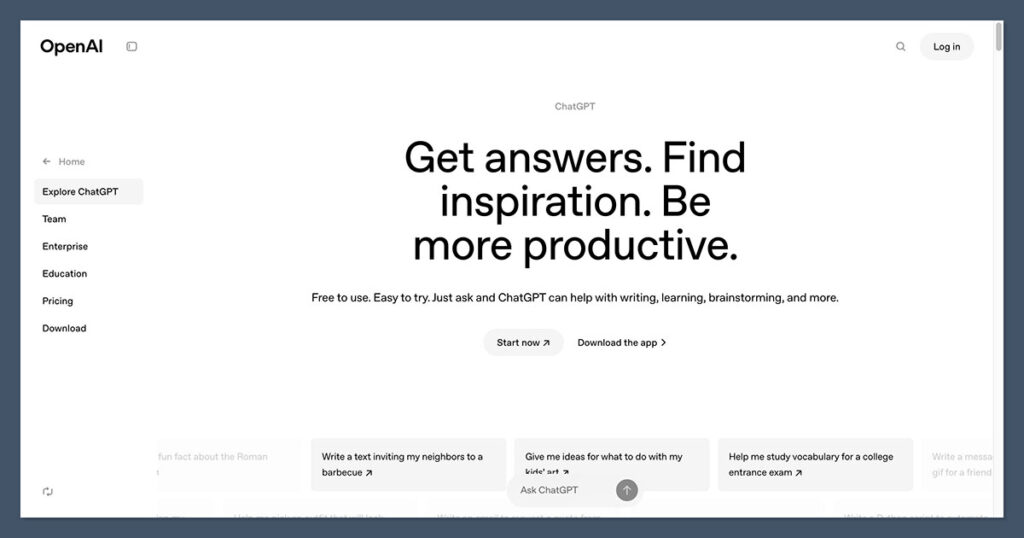
When I need to analyze math performance or work with spreadsheets, ChatGPT’s Advanced Data Analysis (ADA) mode is my secret weapon.
It runs Python in the background, which means I can explore, clean, and transform data without writing full code scripts.
Pros
- Explains everything in natural language
- Supports file uploads and data manipulation
- Great for testing ideas and visualizations quickly
- Works well with math problems and statistical analysis
Cons
- Requires ChatGPT Plus ($20/month)
- Not a full dashboarding tool
- No long-term storage or autosave
I’ve used it to analyze student performance by topic, compare regression scores, and simulate grading curves. It’s surprisingly powerful for such a flexible tool.
Pricing
- Available with ChatGPT Plus at $20/month
- Works directly in the browser
ChatGPT’s Advanced Data Analysis feature is best for hands-on users who want flexibility and control without setting up full-blown dashboards.
Whether you’re a solo creator, freelance tutor, or math app developer, it’s perfect for quick testing, analyzing grading trends, or exploring what’s possible with your data — on demand.
How I Chose These AI Tools
To build this list, I looked at over 30 AI analytics platforms and tested each for performance, pricing, and ease of use.
My criteria were based on real-world use, including:
- Tracking student progress across different math topics
- Building dashboards for tutoring programs
- Analyzing performance trends from math helper apps
- Automating grading and feedback loops
I gave bonus points to tools with:
- Built-in AI modeling
- Math-specific features
- API access or file upload support
- Affordable plans for educators or solo users
Summary: Which AI Analytics Tool Is Right for You?
If you’re not sure where to start, here’s a quick recommendation guide based on what you do:
| Use Case | Recommended Tool |
|---|---|
| Track student performance | Power BI Copilot |
| Build a math dashboard | Tableau GPT |
| Solve and explain math problems | Wolfram Alpha Pro |
| Predict student outcomes | Obviously AI |
| Analyze test scores or grading patterns | ChatGPT ADA |
Each of these tools fits a slightly different need. Some work best for schools or SaaS founders, while others are ideal for solo creators or private tutors.
Final Verdict: My Top Choice
If I had to choose just one tool, Power BI Copilot is the most well-rounded.
It balances affordability, flexibility, and usability for both individual educators and growing edtech teams.
For anyone in education who needs quick, visual insights from their data, it’s hard to beat.
That said, if you’re more focused on solving math, Wolfram Alpha Pro is the most direct and detailed.
And if you’re working with files and want hands-on data exploration, ChatGPT ADA gives you flexibility at a low price point.
